
|
Add/Manage Listings
|
 
|
|
|
Add/Manage Listings
|
|
#The text in the yellow column is an example of how you should enter information.
 | |
|---|---|
|
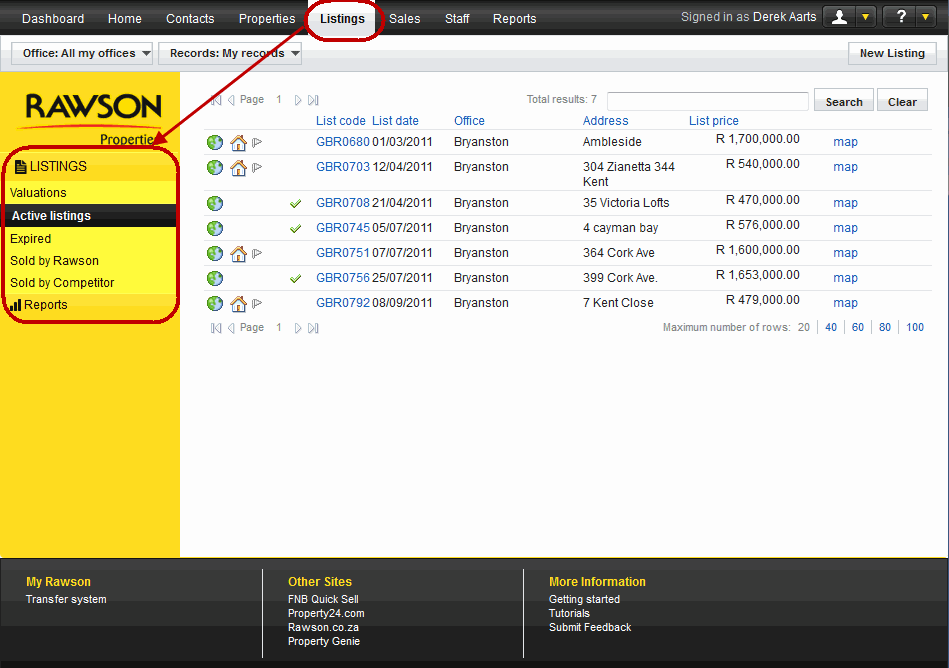
Once to you have selected the listing view that you would like, you will be presented with a list of records. One of the many fields that you will view is map, this is the mapped location of the property. There are some users that do not have access to listings and if this is the case they will not be able to view any listing records. The list can be ordered according to list code, list date, office, address or list price click the link at the top of the column to sort . A listing goes through different phases (these are also known as the status'): Valuation - A valuation is often the first step in the creation of a listing. If you have given a valuation, but the property is not yet on the market it is prudent to enter it into the system as a valuation. A valuation can be converted into a listing and a listing can be converted into a valuation if it is taken off the market. Active listing - An active listing is a record of a property that on the market for sale. Expired - is the status we allocate to listings that has an expired mandate. Sold by Rawson - is the status we allocate to listings that has been sold by a Rawson representative. Sold by Competitor - is the status we allocate to listings that has been sold by a Rawson competitor. | |
| ||
|---|---|---|
|
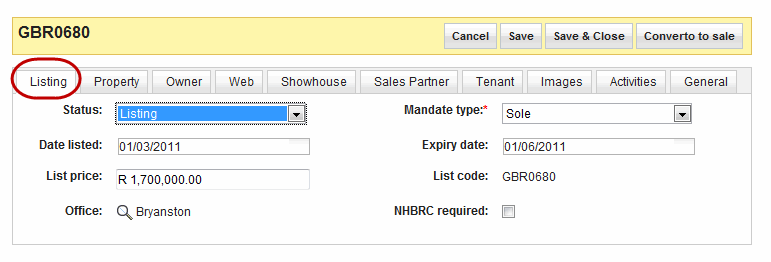
Status |
The status of the listing record. Click the arrow pointing down and you will be presented with options to select from. |
Valuation, Listing, Expired, Sold by Rawson, Sold by Competitors. |
|
Mandate type * |
( mandatory )The authority that the owner of the property gives the Rawson. There are different mandate types and the above shows a Sole mandate. |
Open, Auction, Sole, Shared, Private tender, Rental. |
|
Date listed |
The date the listing was entered into the system. |
. |
|
Expiry date |
.There must be an expiry date for all mandate types. The field itself is only mandatory for a Sole mandate, but users must enter the field in any case. |
. |
|
List price |
The property price for the listing. |
17000000 |
|
List code |
The code that is used to identify the listing in the system. This code may have been brought down from RT2 or generated in RT3. It is always displayed at the top of the listing record. |
CS0007, 0000051971 |
|
Office |
The Office that added the listing. |
Bryanston |
|
NHBRC required |
New Home Builders Regulations Certificate - required in certain areas for house less than 5 years old built by owners. |
. |
|
|---|
|
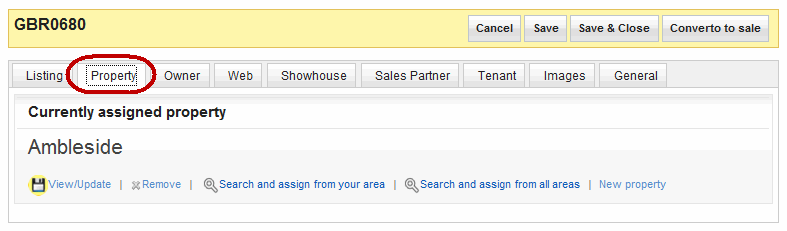
There is a section that is dedicated toadding and managing Property, please see add/manage a property for details. |
| ||
|---|---|---|
|
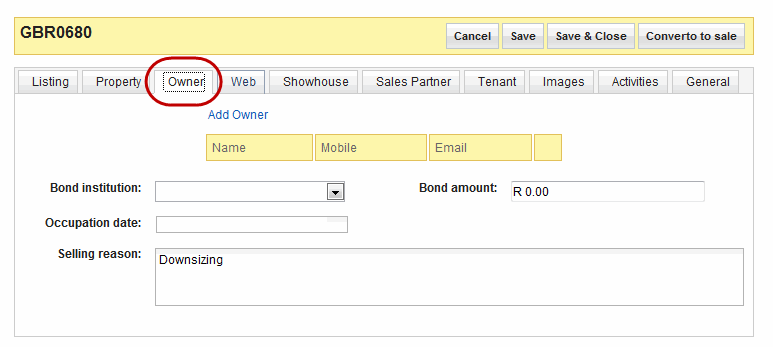
Add Owner |
This link is used when you would like to add the owner of the property to the listing. After selecting the link you will given the list of contacts to select the owner of the listing. |
. |
|
Bond institution |
Current bond institution for the listing. Select from the drop down menu the institution that is holding the bond. |
Nedank |
|
Bond amount |
Current bond amount for the listed house. |
2900000 |
|
Occupation date |
Date seller is willing to allow access to the new owner. Click the text area and a calendar will appear, select the date the owner is willing to allow access to the house once it has been bought. |
. |
|
Selling reason |
If given, here the owner will explain why they have decided to sell the property. |
Downsizing |
| ||
|---|---|---|
|
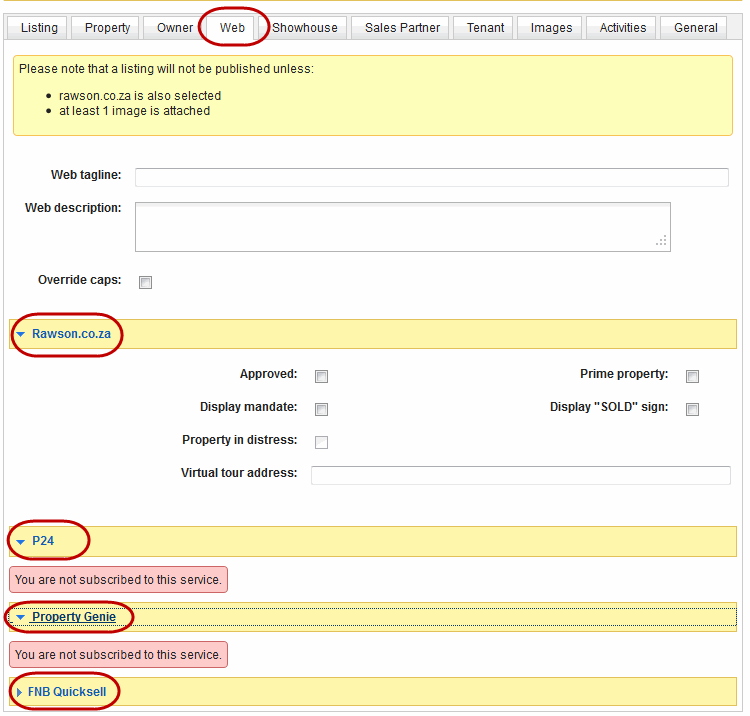
P24 |
Property24 is one of the website that displays Rawson listings, for a listing to be published your office has to subscribe to for the service. | |
|
Property Genie |
Property Genie is another website that displays Rawson listings, for a listing to be published your office has to subscribe to for the service. | |
|
FNB Quicksell |
This function is for Head office administrator only. | |
| ||
|---|---|---|
|
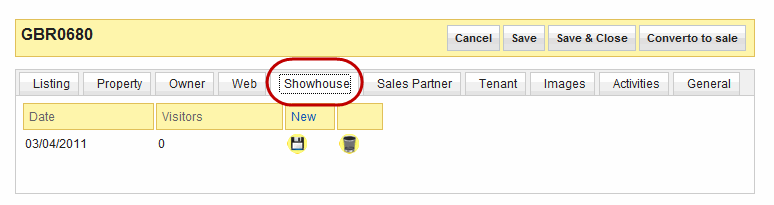
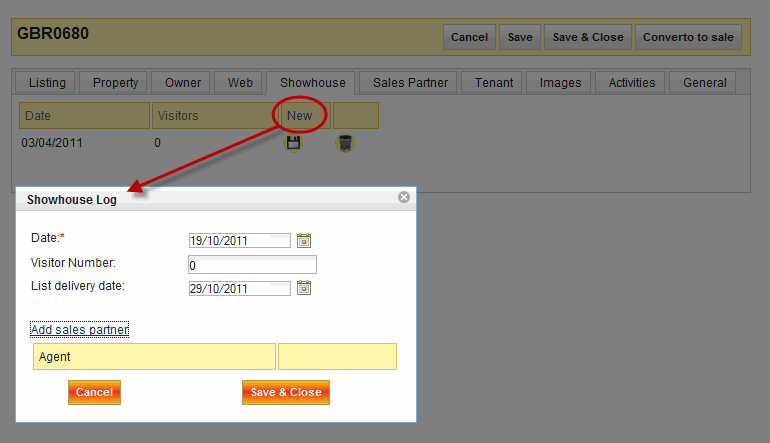
Date |
( mandatory) The date the showhouse will be hosted. | |
|
Visitors |
The number of visitor expected or that came to the event. | |
|
New |
This is ideal when you would like to create a new showhouse record. | |
|
Delete |
Used to delete a show house record. |
|
| ||
|---|---|---|
|
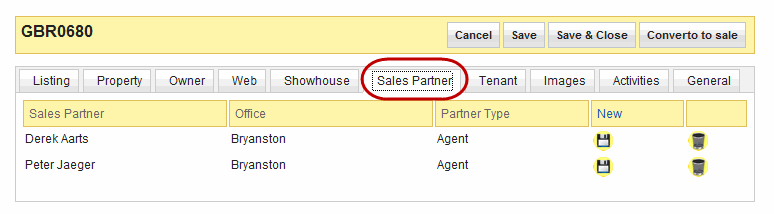
Sales partner |
The name of the sales partner(s) that are handling the listing. |
Derek Aarts, Peter Jaeger |
|
Office |
The office the sales partners belong to. |
Bryanston |
|
Partner type |
The type pf partner they are is displayed here. |
Agent |
|
New |
Select this link if you would like yto add a new Sales partner to the record. |
. |
| ||
|---|---|---|
|
Name* |
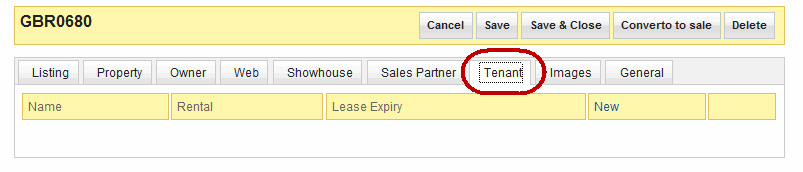
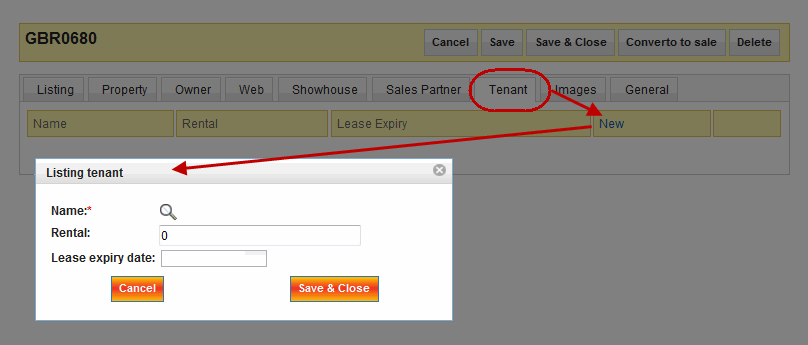
(mandatory )The name of the tenant that is leasing the listing. The screenshot blow shows the basic procedure of entering tenants details. When adding a tenant select New and a pop up box will appear where you will be asked to insert some relevant information. |
John Doe |
|
Rental |
The monthly amount of money that the tenant pays for the leasing the property. |
5000 |
|
Lease Expiry |
The date the lease will expire. |
31/12/2011 |
|
New |
When you want to add a new tenant on to the listing. On click a pop up window will appear (as in the screenshot below) where the agent will have to add all the relevent informtion to create the record. Once done, save the information and it will appear in the main tenant view. |
. |
|
|---|
|
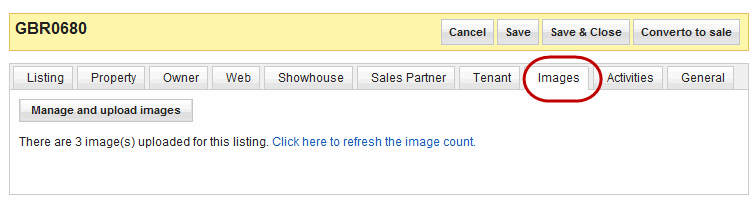
There is a section that is dedicated to Images, please see add/manage images for details. |
| ||
|---|---|---|
|
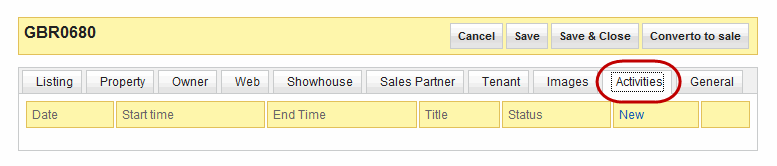
Start and End date |
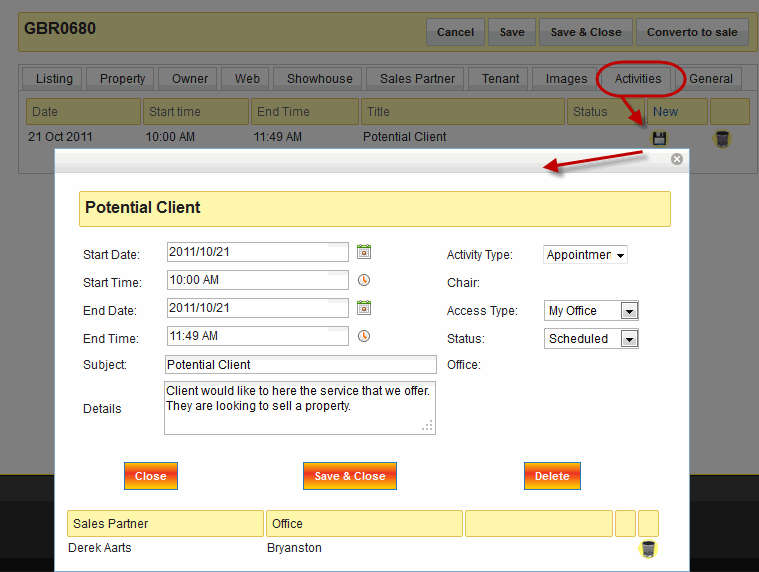
User should set the start and end dates for the activitiy they are logging. |
. |
|
Start and End time |
The start and end times set for the activity. |
... |
|
Subject |
A breif description of activitiy. |
Valuation update |
|
Details |
Details about the activity should be entered in this feild. |
.. |
|
Activity type |
This is the type of activity that is logged under the listing by the Sales partner. |
Appointmant, Log, Reminder |
|
Access type |
The location where the activity will take place. |
Public, Private, My Office |
|
Status |
An activity could have one of the following status', done, cancelled or scheduled. |
Scheduled, Cancelled, Done |
| ||
|---|---|---|
|
Comment |
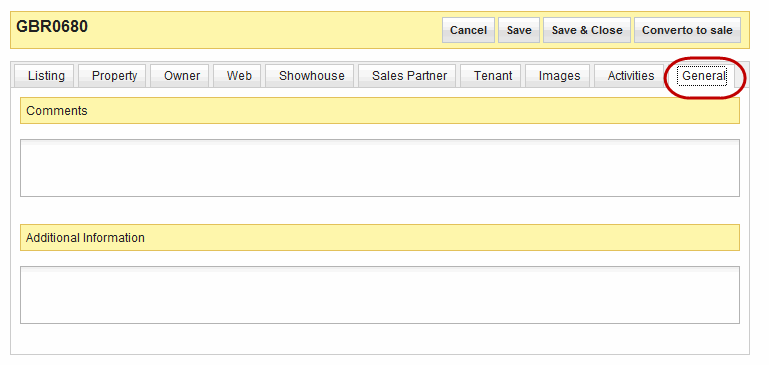
Enter comment about the listing that you may feel are important to record. |
Wind blows hard from the north in winter. |
|
Additional Information |
Enter information that you feel should be recorded but does not have a fields that it may fit into. |
|