
|
Add/Manage Contacts
|
 
|
|
|
Add/Manage Contacts
|
|
#The text in the yellow column is an example of how you should enter information.
 |
|
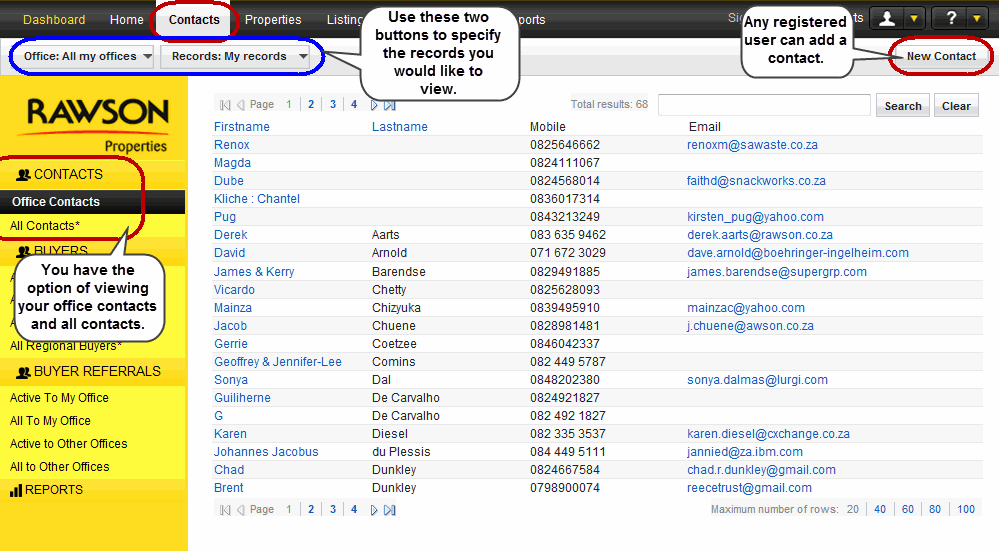
Contact is the general term used when adding a person’s name and contact number.
The list can be ordered alphabetically by first name or last name. Click the link at the top of the column to sort. To send them an email immediately. Click on the email address. |
| ||
|---|---|---|
|
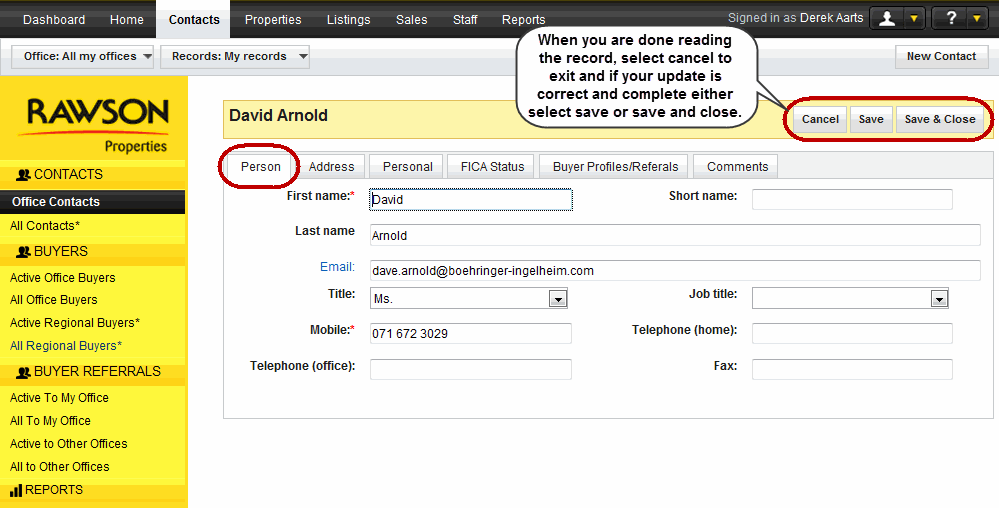
First name* |
( mandatory )The contact's first name is dsplayed here, anyone can edit this field as long as the individual is only a contact. |
David |
|
Last name |
The contact's last name is dsplay here, anyone can edit this field as long as the individuals is only a contact. |
Arnold |
| Short name | This is the name that the contact is known by his/her colleagues and/or friends. |
Dave |
|
Enter the contact's emails address. |
||
|
Title |
Enter the contact's title, select from the drop down menu. |
Ms. |
|
Job Title |
From the drop down menu select the appropriate job title for the contact. |
Manager |
|
Mobile* |
( mandatory) Enter the contact's mobile number. This number should have 10 digits, without spaces. |
0716723029 |
|
Telephone (home) |
Enter the contact's home contact number. |
0119897765 |
|
Telephone (office) |
Enter the contact's office contact number. |
0116572342 |
|
Fax |
Enter the contact's home contact number. |
0116572340 |
| ||
|---|---|---|
|
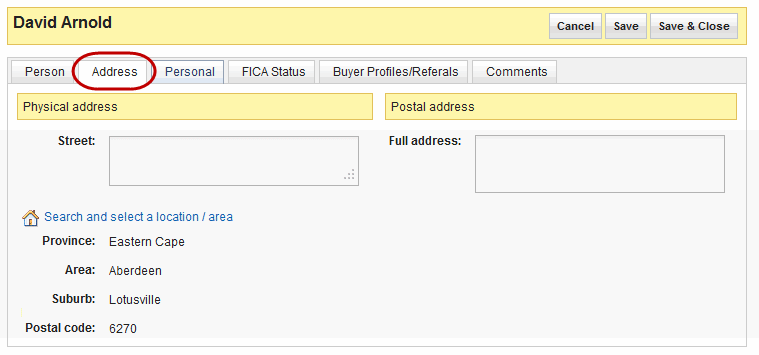
Street |
Enter the contact's street name and number |
12 Nutchester |
|
Province |
From the drop down menu select the province where the contact' is located. |
Gauteng |
|
Area |
From the drop down menu select the area they are from. |
Bedfordview |
|
Suburb |
To narrow down where the contact lives, select the suburb from the drop down menu . |
Morning Hill |
|
Postal code |
Once you have selected a suburb, RT3 will auto fill your postal code. |
2007 |
|
Full address(postal) |
The Postal Address should be entered in this area if it is different from the physical address. Please do not forget to enter the postal code. |
................... |
| ||
|---|---|---|
|
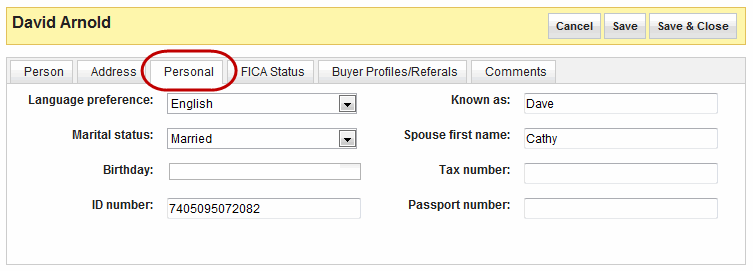
Language preference |
Select the language from the drop down menu which the contact prefers. |
English |
|
Known as |
This is the name that the contact is known by his/her colleagues and/or friends. |
Dave |
| Marital status | The drop down menu gives you options that could be relevant to your marital status. |
Married |
| Spouse first name |
If the contact has a spouse and would like to enter this information, this is the place. |
Cathy |
|
Birthday |
Insert the contact's birthday in this field, by clicking the text area and using the calendar to select the date. |
29 February |
|
Tax number |
The contact's tax number. |
................... |
|
ID number |
Identification number assigned by the government. | ................... |
|
Passport number |
This is the number on an individuals passport. |
................... |
 |
|
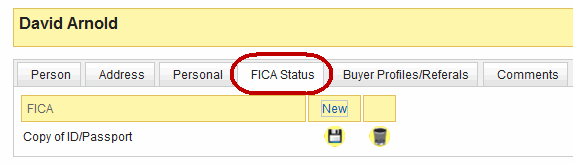
This tab can only be edited once you have saved the information entered in previous tabs. The documents which are acceptable are a copy of ID/Passport or the individual's proof of address. |
| |
|
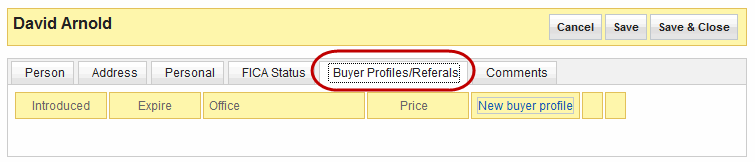
You can edit this tab once you have saved the information entered up to this point. More information on Buyers and Buyers Referrals will be discussed later. |
| ||
|---|---|---|
|
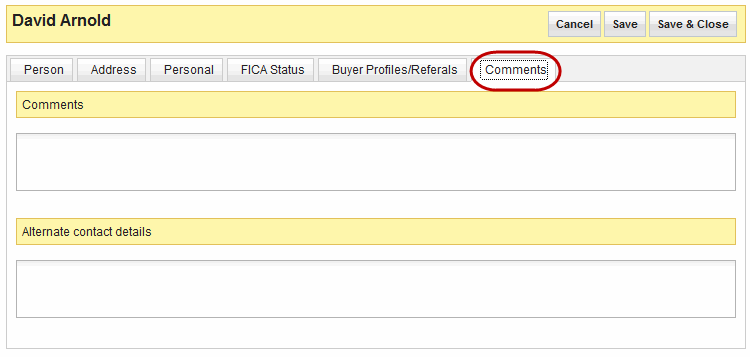
Comments |
Enter information that you think is important and is not captured anywhere else in the record. This could be allergies that the contact may have or preferences of where they may want to buy. |
Conducts business around South Africa, potentially looking for property in other cities. |
|
Alternate Contact Details |
The alternative contact details field is self-explanatory, these details should be entered here, for instance next of kin's details. |
In case of emergency contact Tina (sister) on 0712324214. |